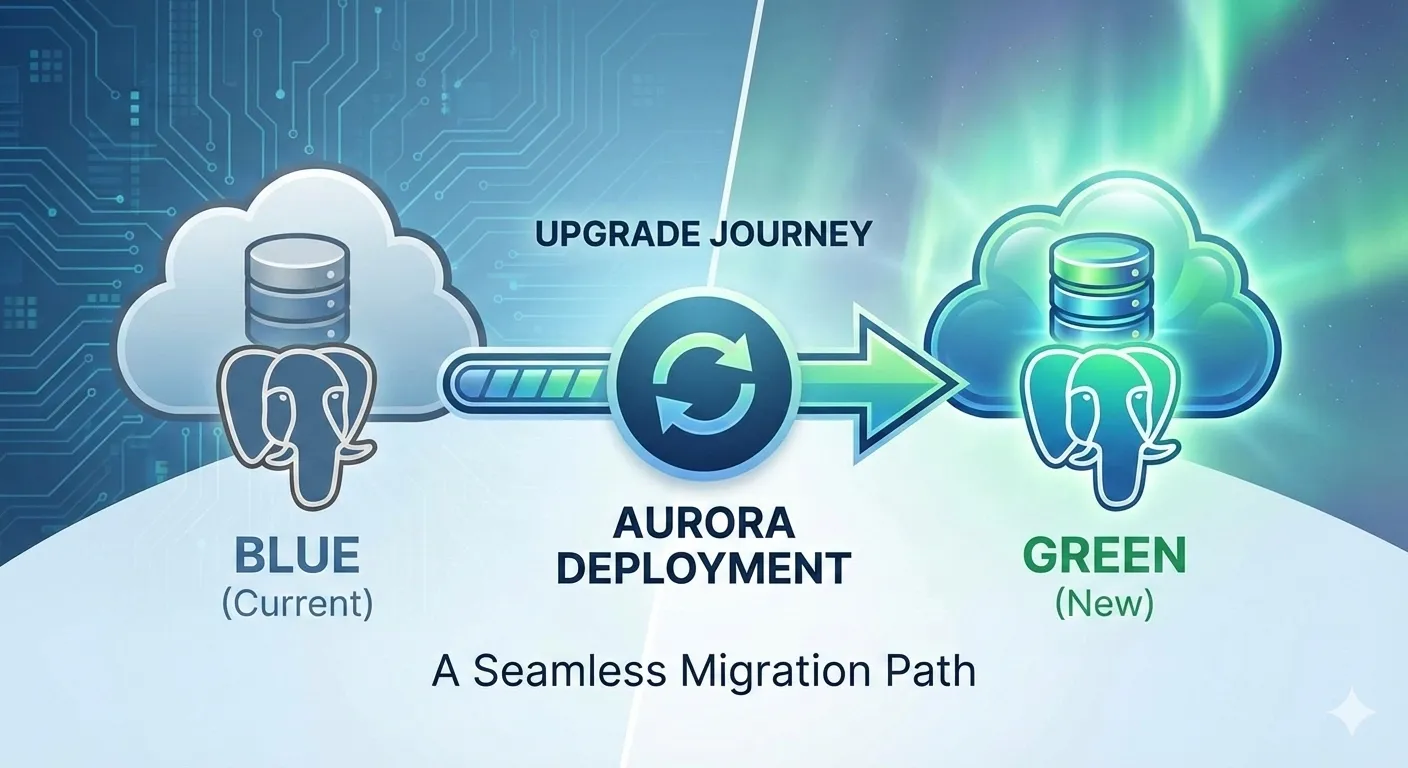
When it comes to major database version upgrades, downtime is the enemy. Recently, we successfully upgraded our Aurora PostgreSQL cluster from version 13 to version 17 using AWS’s blue/green deployment strategy, achieving an impressive 3 seconds of write downtime.
This performance aligns with recent AWS updates that have optimized typical switchover downtime to under five seconds. Beyond the technical success, this strategy transformed what is usually a high-stress "all hands on deck" event into a routine, safe procedure.
Why upgrade now?
With PostgreSQL 13 reaching its end of life, choosing an upgrade path is critical. As detailed in the AWS Database Blog on strategies for upgrading Aurora PostgreSQL, organizations usually weigh three options: in-place upgrades, manual logical replication, or blue/green deployments.
From "war rooms" to a one-person operation
In the past, on-premise database upgrades often felt like a battlefield. They required a "war room" full of people, long night shifts, and manual scripts that could fail at any moment.
By contrast, the blue/green strategy enabled a single person to handle the entire production upgrade alone. We still scheduled the work during our lowest traffic window (midnight to 2 AM), but the process was so safe and automated that it required only about two hours of one person's time.
Research and lessons from the field
Before touching production, we conducted extensive research, including studying how others achieved near-zero downtime upgrades, for example how Wiz achieved near-zero downtime upgrades at scale. Their experience highlighted that managing extensions and DDL is the most common point of failure.
The problem with CDC and extensions
Our architecture maintains ongoing Change Data Capture (CDC) replication using a DMS instance located in a separate AWS account to replicate data to an S3 bucket. This setup requires shared_preload_libraries to be configured for logical decoding.
During testing in lower environments, we found that active replication and these specific libraries were blocking the blue/green deployment creation. To resolve this, we had to:
- Stop the DMS tasks.
- Drop all replication slots.
- Remove the extensions from the libraries and perform a hard reboot to ensure they were fully cleared from memory.
Configuration & parameter optimization
We configured our parameter groups based on specific database metrics and official AWS best practices and creation guides. Below are the settings we used for both environments:
Blue environment (v13)
rds.logical_replication         = 1
max_replication_slots           = 10
max_wal_senders                 = 10
max_logical_replication_workers = 10
max_worker_processes            = GREATEST({DBInstanceVCPU*2},21)
wal_sender_timeout              = 0
log_statement                   = ddl # Critical for identifying blockers
shared_preload_libraries        = pg_stat_statements
Green environment (v17)
log_min_duration_statement      = 5000
session_replication_role        = origin
rds.force_ssl                   = 0 # Critical adjustment for compatibility
rds.logical_replication         = 1
max_replication_slots           = 10
max_wal_senders                 = 10
max_logical_replication_workers = 10
max_worker_processes            = GREATEST({DBInstanceVCPU*2},21)
wal_receiver_timeout            = 0
log_statement                   = ddl
shared_preload_libraries        = pg_stat_statements
Key technical insights
- rds.force_ssl = 0: In PostgreSQL 13, this defaulted to 0. However, PostgreSQL 17 defaults to 1 (enabled). During lower environment testing, we found this change broke existing application connections, so we explicitly disabled it to maintain compatibility.
- log_statement = ddl: When our initial switchover attempts failed on lower environments, this setting was our savior. It allowed us to identify that a specific Lambda function was triggering DDL statements (via the uuid-ossp extension) during the sync phase. We successfully refactored the app to use native PostgreSQL functions like gen_random_uuid() instead.
Confidence through validation: the staging load test
Before proceeding to production, we conducted a rigorous blue/green deployment simulation on our staging environment. To ensure the database could handle our actual workload during the transition, we performed load testing using Locust load testing tool.
While our production environment typically handles traffic across 100+ Lambdas at an average of 50 RPS (requests per second), we wanted to stress-test the limit. We used a single Lambda to replicate double the production load:
- Load Parameters: 100 parallel users, each sending 1 RPS to an API Gateway endpoint.
- Total Throughput: 100 RPS (2x typical production total).
- Workload: The Lambda created a record in a database table for each incoming request.
We tracked total RPS, p50 and p95 response times, and failure statistics (5xx errors). We started the test while the Green environment was up and synchronized, and kept the traffic flowing continuously through the actual switchover.
Execution and switchover: the deep dive
The upgrade journey followed a precise timeline of automated orchestration and manual verification.
Phase 1: preparation & creation (00:01 - 00:56 UTC)
At 00:01 UTC, we rebooted instances and initiated the creation of the Green environment.
- 00:01-00:05 UTC: The system performed an initial check and rebooted instances to align parameters.
- 00:05-00:56 UTC: The heavy lifting happened. AWS provisioned the new version 17 cluster and established logical replication between the Blue (v13) and Green (v17) environments. The automation continuously monitored the replication lag to ensure the Green side was a perfect mirror of the Blue side.
Phase 2: the critical switchover (01:05 - 01:07 UTC)
Once the Green environment was marked as "Ready," we triggered the switchover. This is where the magic happens:
- Read-Only Mode: Writes were temporarily blocked on both environments to prevent data drift.
- Catch-up & Validation: The system waited for the last few transactions to replicate and verified that the Green environment was 100% in sync.
- The Identity Swap: AWS performed a DNS and resource swap.
- The old cluster db-cluster was renamed to db-cluster-old1.
- The new cluster db-cluster-green was renamed to db-cluster.
- Promotion: The Green cluster was promoted to primary, and writes were re-enabled.
Total write downtime: approximately 3 seconds.
Infrastructure as code: Terraform reconciliation
A major concern during manual AWS operations is "state drift". To ensure our Terraform resources wouldn't be destroyed and recreated after the upgrade, we used a specific strategy:
- Matching metadata: When creating the new parameter groups manually, we immediately added the description "Managed by Terraform". By matching this metadata exactly, we ensured that when we later imported the resource, Terraform saw zero diffs, preventing an accidental recreation of the parameter group.
- State import: After the switchover, we used terraform state rm and terraform import for the cluster and parameter groups to align our code with the new resource identifiers.
- Code update: We updated our Terraform variables to set the engine version to "17.7" and family to "aurora-postgresql17", ensuring subsequent plans showed zero changes.
State import
tf state rm 'module.rds_db_cluster.module.rds.aws_rds_cluster_parameter_group.this[0]'
tf import 'module.rds_db_cluster.module.rds.aws_rds_cluster_parameter_group.this[0]' db-cluster
Code update
rds_force_ssl = false
engine_version = "17.7"
parameter_group_family = "aurora-postgresql17"
Looking ahead: even simpler upgrades with v17
One of the most painful parts of this upgrade was dropping our replication slots for DMS. However, starting with PostgreSQL 17, this is no longer a requirement.
As noted in the PostgreSQL 17 Release Notes and discussed in the community regarding preserving replication slots, v17 now supports preserving logical replication slots during a major version upgrade. This means our next upgrade (to v18 or beyond) will be even smoother, with fewer manual steps for our data pipelines.
Key takeaways
- Safety in automation: Blue/green deployments turn a "high-risk" manual migration into a "low-risk" automated one, allowing a single person to manage the process with confidence.
- Identify blockers early: Use log_statement = ddl during your testing phase. It is the best way to catch background processes or Lambdas that might interrupt the switchover.
- Check your defaults: Don't assume settings like rds.force_ssl stay the same across major versions.
The jump from PostgreSQL 13 to 17 with only 3 seconds of downtime is a testament to how far cloud database management has come. The upfront investment in testing and parameter tuning paid dividends in a quiet, uneventful, and successful night.
Are you planning an Aurora upgrade? Feel free to reach out or book a call with us!