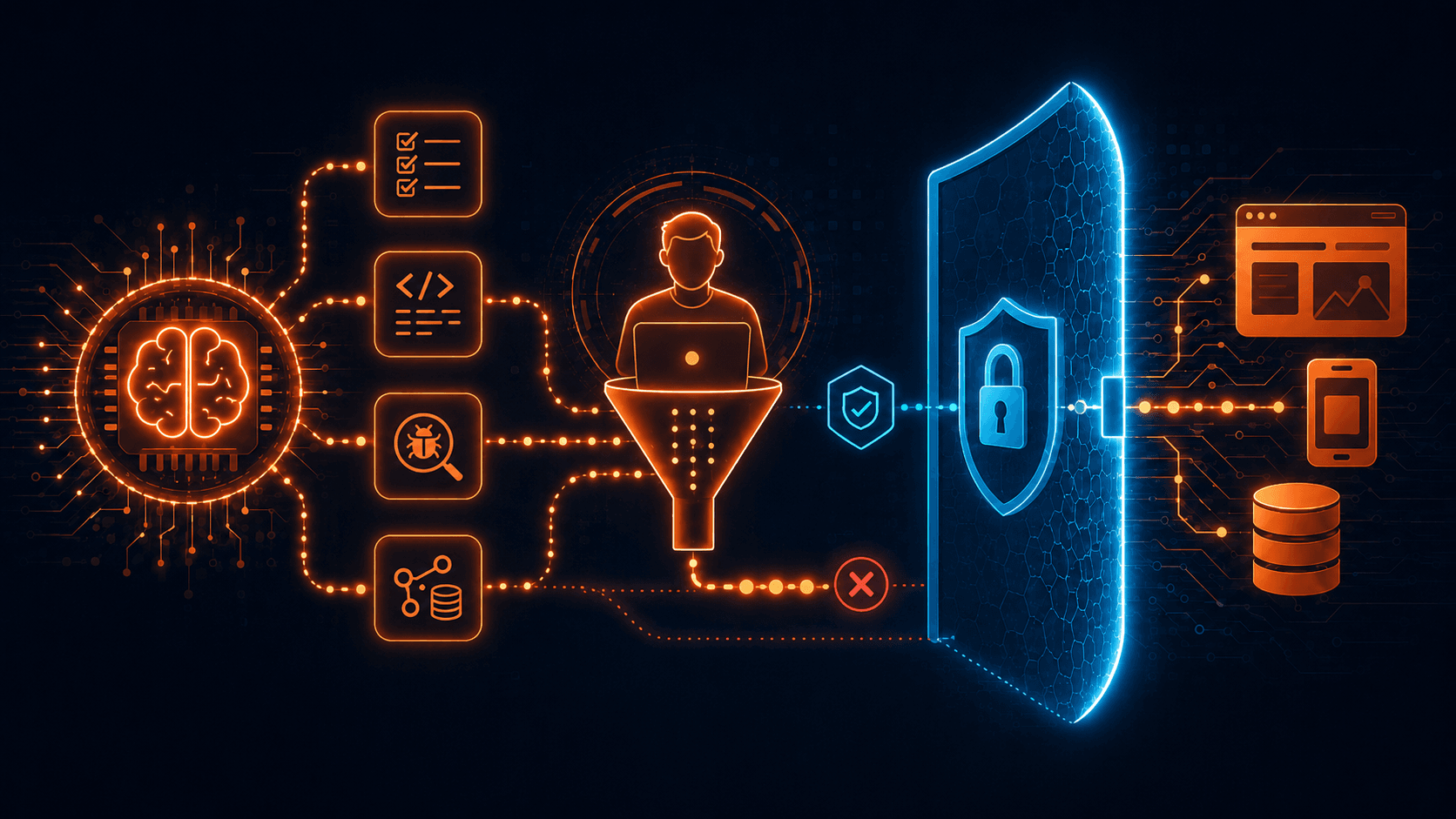
Working across different QA projects has taught me that a useful tool is not always the tool with the most access. AI can speed up test case writing, API test preparation and automation drafting, but it does not need to connect directly to the product, repository or private environment. I used AI with controlled inputs such as feature flow videos, HAR files, screenshots and repo structure examples. That gave me useful output while keeping the application, sensitive data and VPN-protected environment private.
Intro
After working on multiple QA projects, one thing becomes obvious: every project has its own rules, risks and shortcuts that are not written down anywhere.
Some teams have detailed documentation. Some explain features mostly through calls and tickets. Some have strong automation coverage, while others still depend heavily on manual testing. Some products are public, and some are hidden behind VPNs, private environments and strict access rules.
Because of that, I do not see AI as something that should simply be dropped into a project and given access to everything. For me, AI works better as an assistant outside the system. It can help prepare test cases, structure ideas and draft automation, but the tester should still control what is shared, what is used and what gets executed.
On one project, the application was behind a private VPN. Giving AI direct access to the web page or repository was not an option. But it also was not necessary.
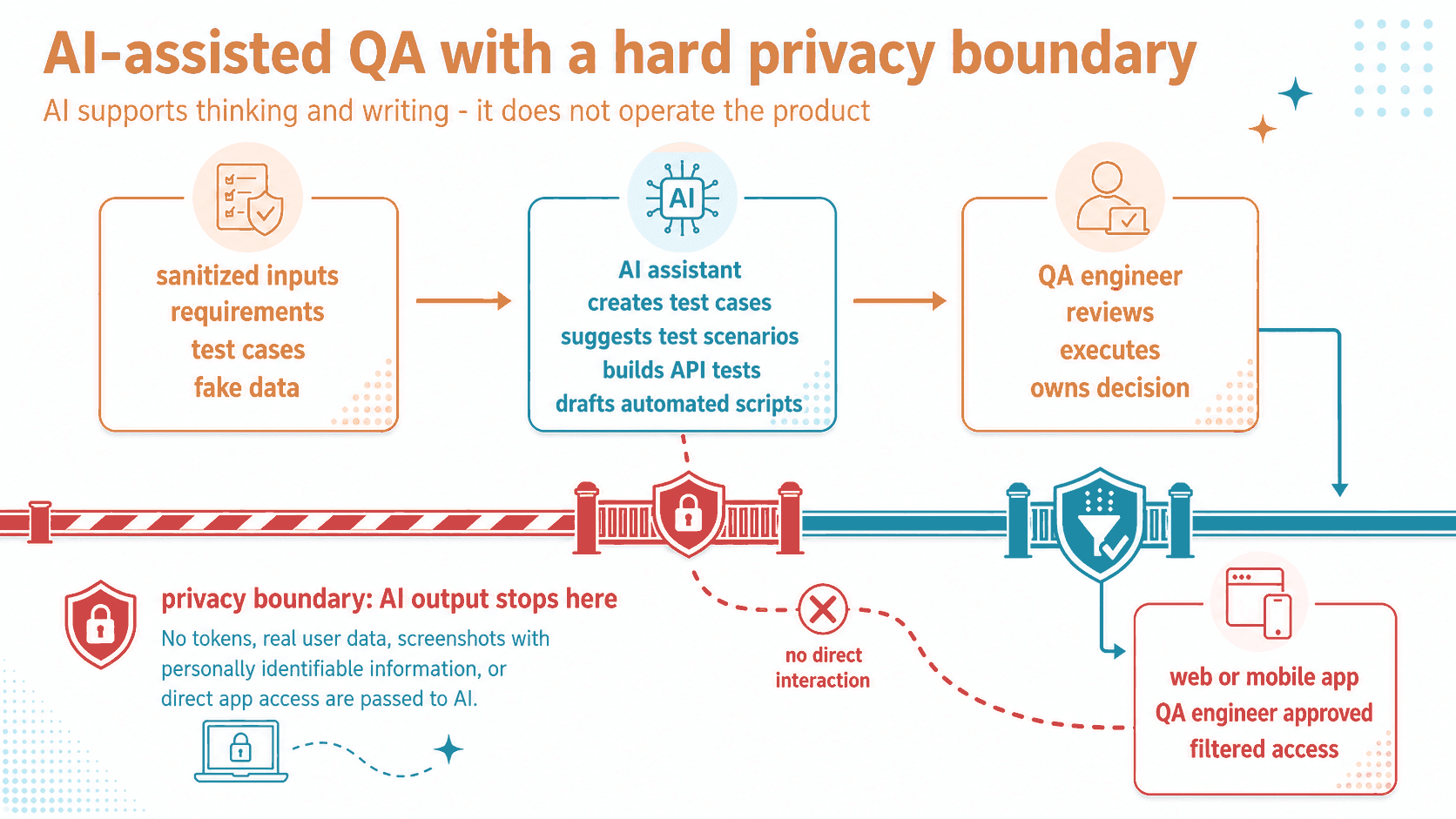
Picture description: AI receives controlled QA inputs and supports the tester, but it stays outside the application, repository and private environment.
Turning feature videos into test cases
One of the most useful things I did was use AI to help write test cases from feature flow videos.
I recorded the flows I was testing and uploaded those videos to AI. The videos showed the feature from a user perspective: which screens appeared, which fields needed input, what buttons were used and what happened after each action.
From that, AI helped create draft test cases. It suggested happy paths, validation checks, negative scenarios, navigation cases and possible regression areas.
For example, if a flow had several steps, AI could suggest checks for required fields, invalid formats, interrupted flows, back button behavior and final confirmation messages. That gave me a solid starting point instead of starting from a blank page.
But the important part is that AI only saw what I chose to share. It was not clicking around the product. It was not discovering hidden pages. It was not connected to the app.
The output still needed QA review. Some suggestions were useful, some needed rewriting and some did not match the actual business logic. That is expected. AI can help generate ideas, but it does not know the project the way a tester does.
Using HAR files for API checks
Another practical use case was API testing.
I created a HAR file from browser network activity and used it as input for AI to generate a first version of a Postman collection. The goal was to cover basic checks like status code, response structure and response time.
This saved time because API validation can become repetitive. AI helped turn captured requests and responses into test drafts with assertions for expected status codes, required response fields and acceptable response time limits.
Still, HAR files need to be handled carefully. They can include headers, cookies, tokens, IDs, private URLs and other details that should not be shared without checking first. Before using this kind of file with AI, sensitive values should be removed or replaced.
The Postman collection was not something I treated as finished. I reviewed it, cleaned it up and adjusted it before using it. AI created a draft. QA made it usable.
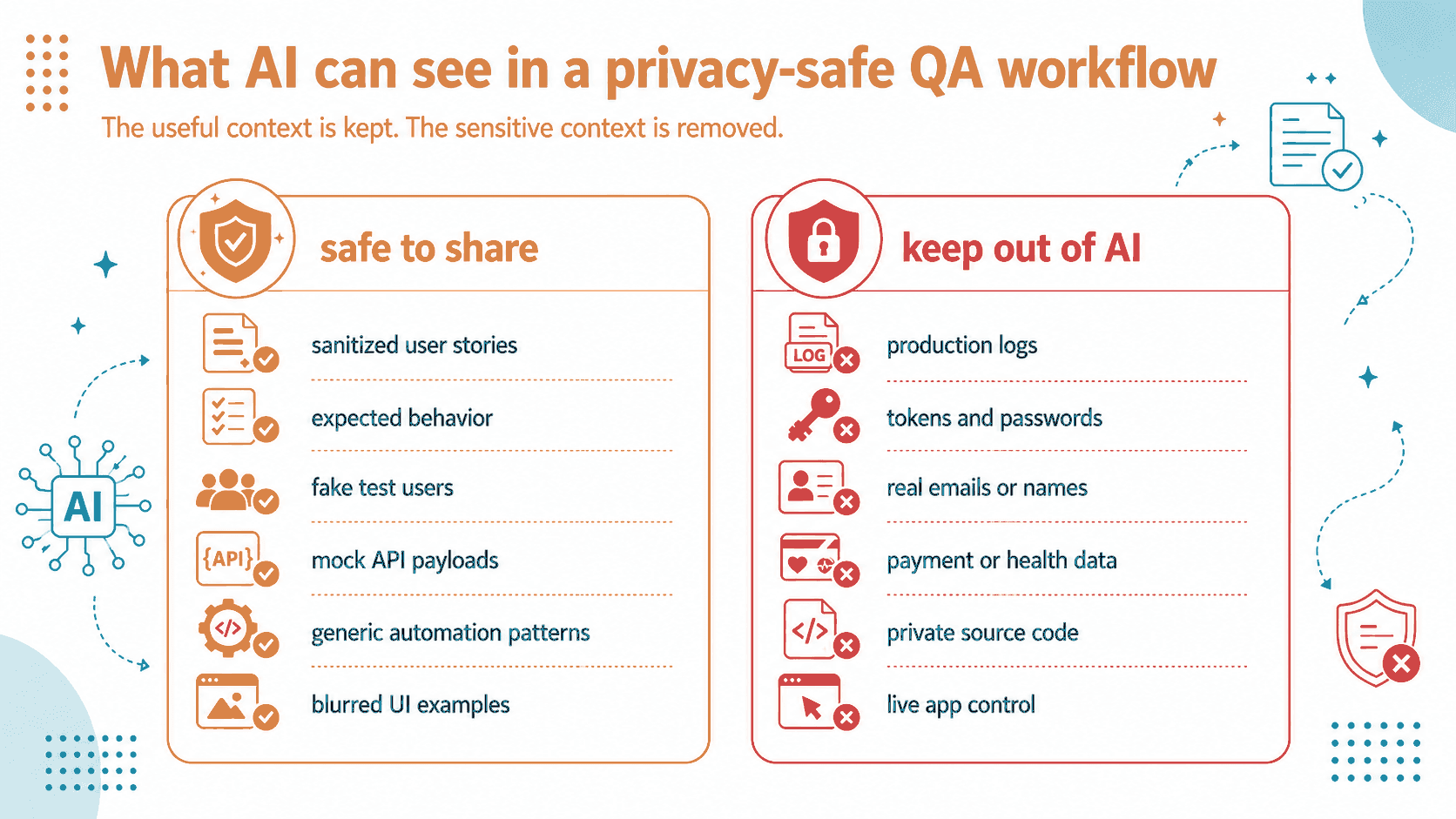
Picture description: useful QA context is shared carefully, while VPN access, repo access, tokens, live page interaction and real user data stay out.
Drafting Playwright tests without repo access
I also used AI to help with automated tests for a web page using Playwright.
Instead of giving AI repository access, I shared a screenshot of the testing repo file structure and explained the rules it needed to follow. That gave AI enough context to understand how the project was organised, where test files should go and what style the test drafts should follow.
This worked better than asking for a generic Playwright example. The result was closer to the actual project structure, so adapting it took less time.
I also used AI to help find element IDs by sharing screenshots of the web page and the necessary divs. This helped when preparing selectors and thinking through how the automated test could interact with the page.
But the boundary stayed the same. AI did not open the page. It did not inspect the DOM directly. It did not run Playwright. It did not access the repo.
It helped me prepare the work. It did not do the work inside the environment.
Keeping the boundary clear
The main rule was simple: AI could support QA, but it could not access the product.
The web page stayed behind VPN. The repository stayed private. AI did not get credentials, direct links, live sessions or internal access. It could not submit forms, trigger actions, change data or read files.
That separation matters because QA work often sits very close to sensitive areas. A screenshot can reveal private data. A HAR file can expose tokens. A repo structure can reveal internal patterns. Even something that looks harmless can contain details that should stay inside the project.
So the workflow was always the same: prepare the input, remove what should not be shared, ask AI for help, review the output and then implement or execute inside the approved QA environment.
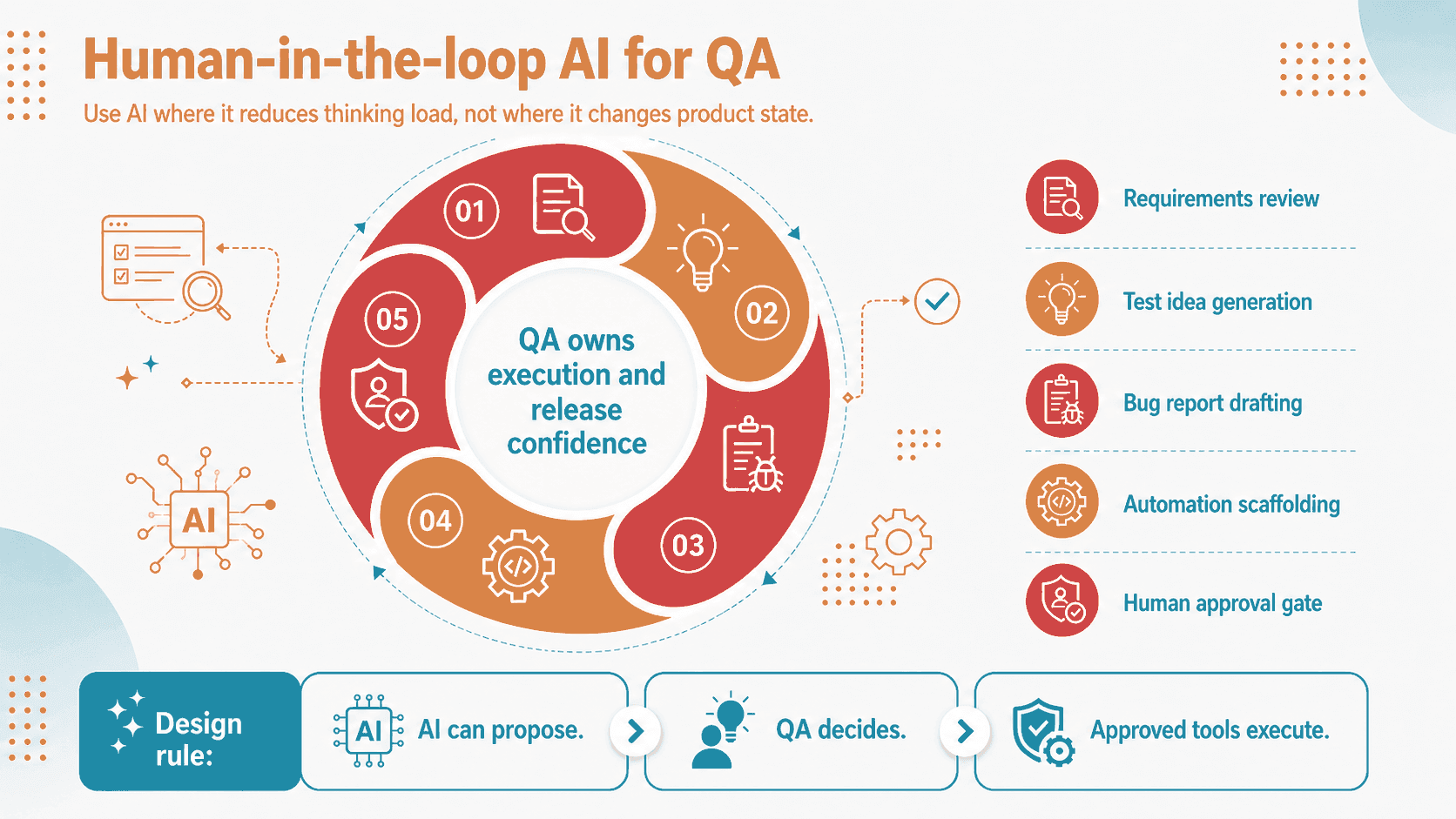
Picture description: AI can draft and suggest, but the QA engineer reviews, implements and executes.
Conclusion
AI can be useful in QA without being connected to the product.
In my workflow, it helped create test cases from feature videos, prepare API checks from HAR files, draft Playwright tests from repo structure screenshots and identify possible selectors from UI screenshots. That was enough to speed up the work and make the process more structured.
The key was separation.
AI worked with controlled inputs. The app stayed behind VPN. The repository stayed private. Testing and validation stayed in the approved environment.
For me, this is the practical way to use AI in QA: let it reduce repetitive work, help with drafts and support test design, but keep the final judgment with the tester.
AI can make QA faster, but it should not get the keys to the app.